Features
What's new in Zenflow
The newest things Zenflow does, one at a time, each shown the way it looks in the product.
CanvasNew
Search the internet for references.
Search the web from inside the canvas and drag any result onto your board, where it is saved to your library and remembered.
- Search without leaving the canvas
- Drag a result straight onto the board
- Pasted image links are saved too

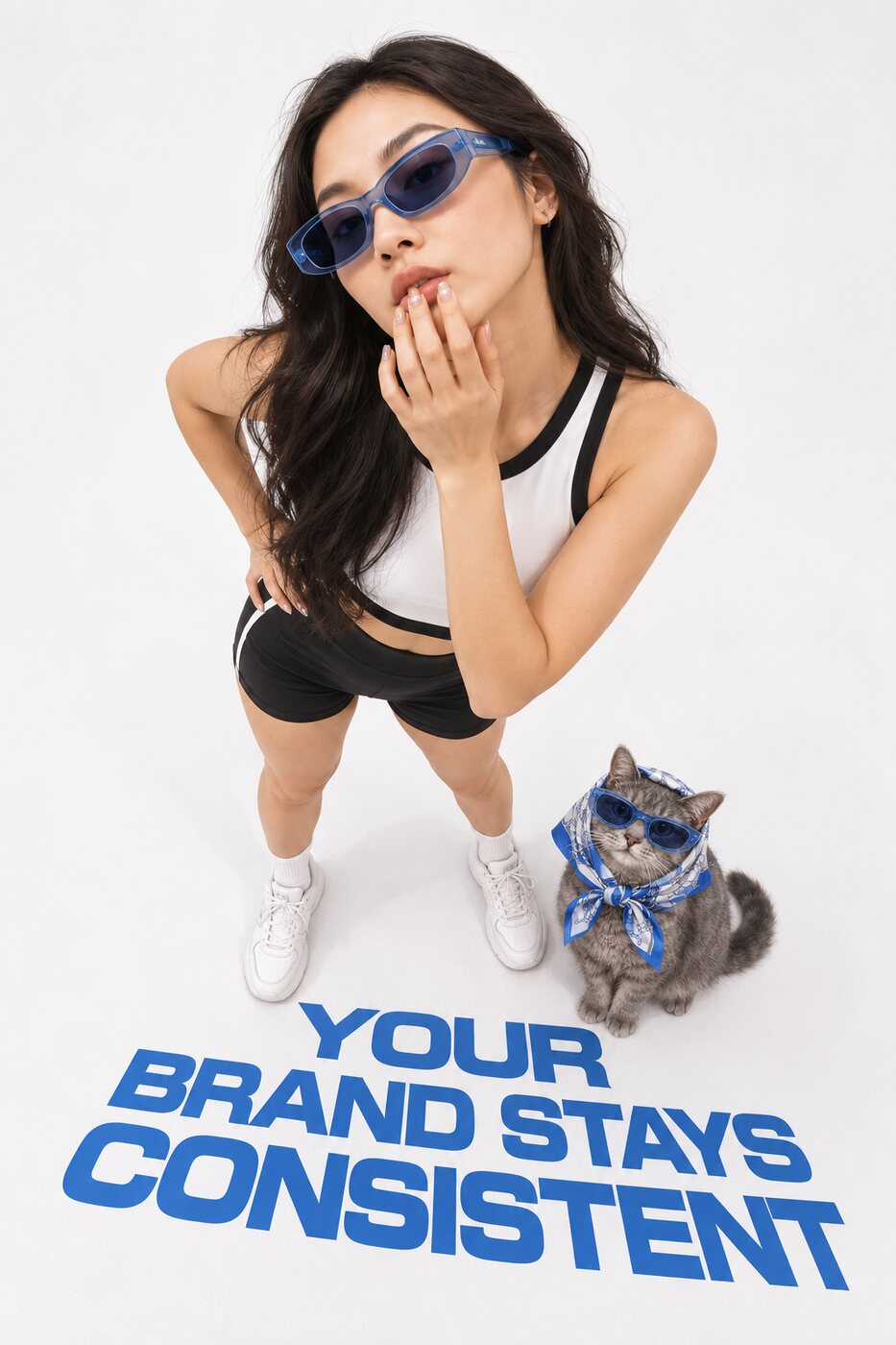
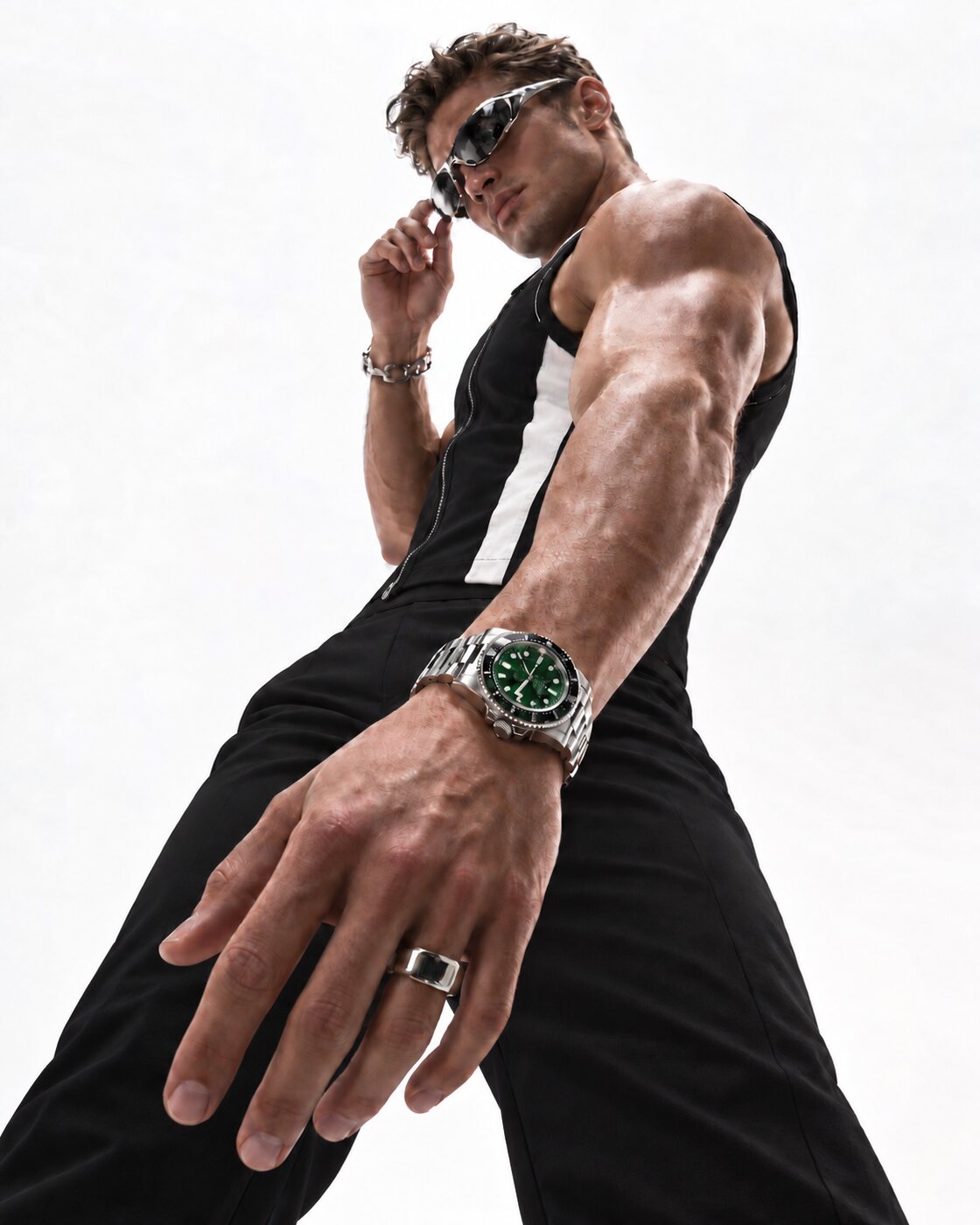
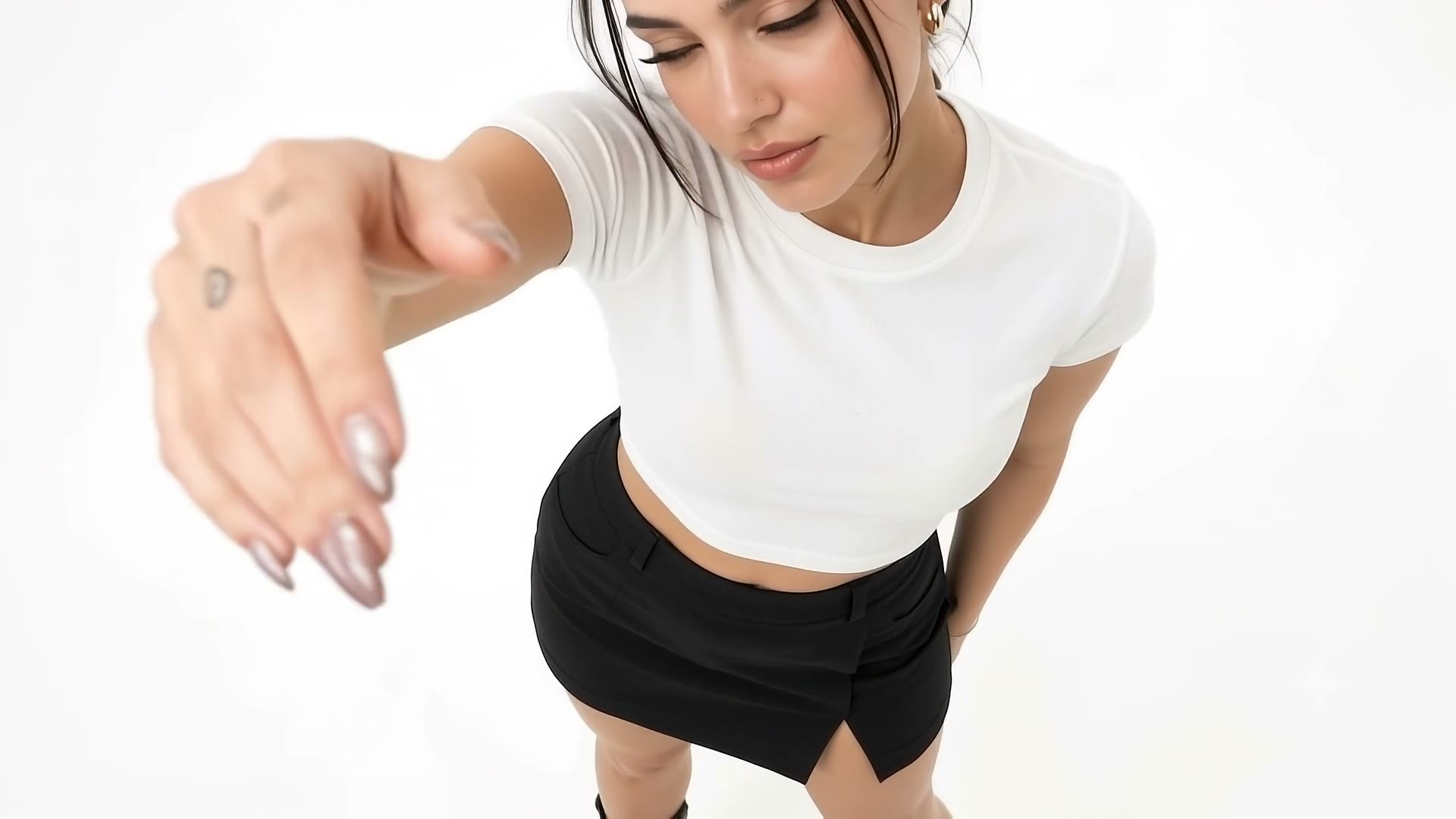

ChatNew
Paste an image into the chat.
Paste a screenshot, drop a file or press upload, and the picture goes with your message as a reference and lands in your library.
- Paste, drag and drop, or upload
- Up to four images at once
- Kept in your library for later

 newReference 1
MemoryNew
Videos are remembered too.
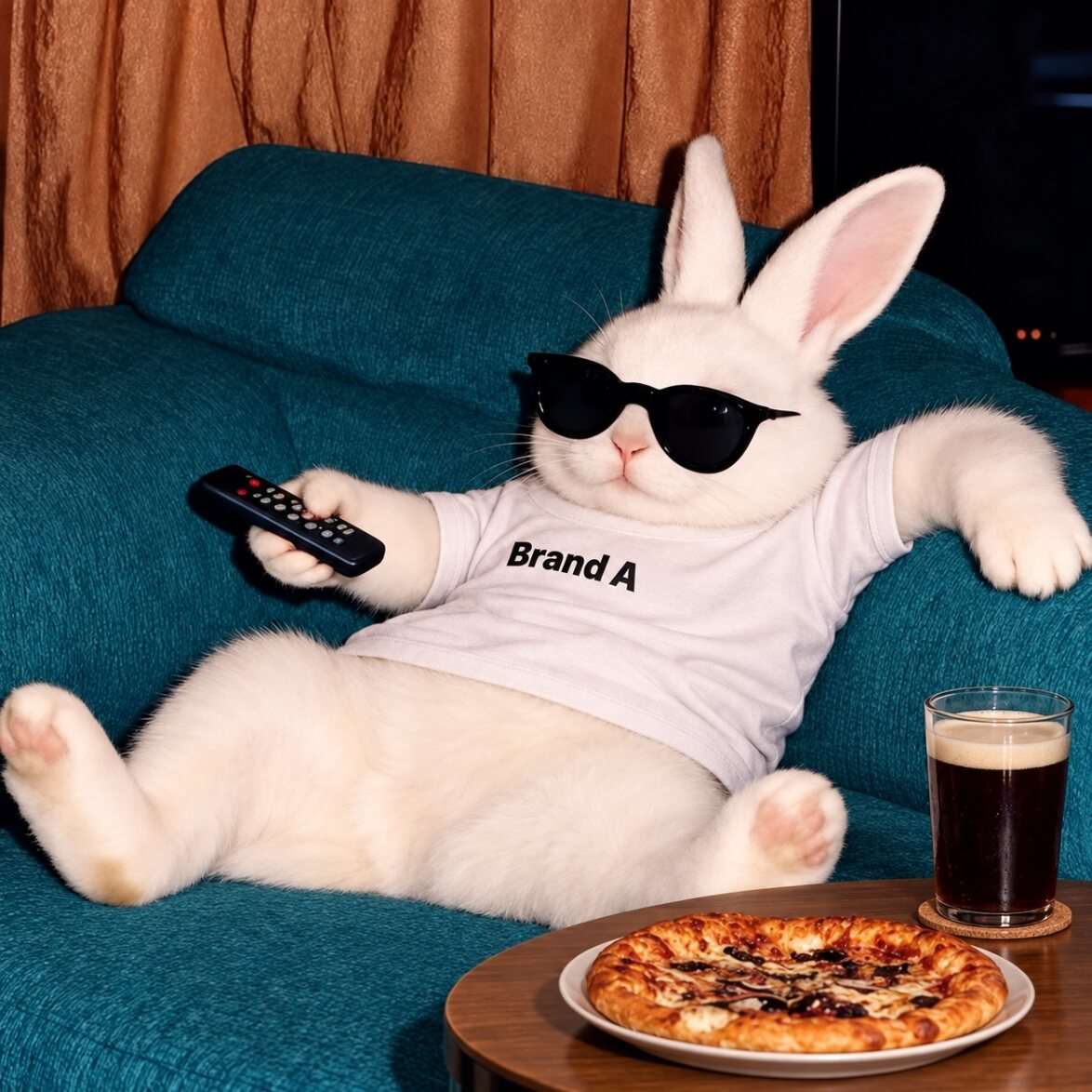
Zenflow picks the key moments of every clip, so a search for what happens in a video lands on the right second.
- Key moments picked from every clip
- Search finds the exact moment
- Use that frame or the whole clip
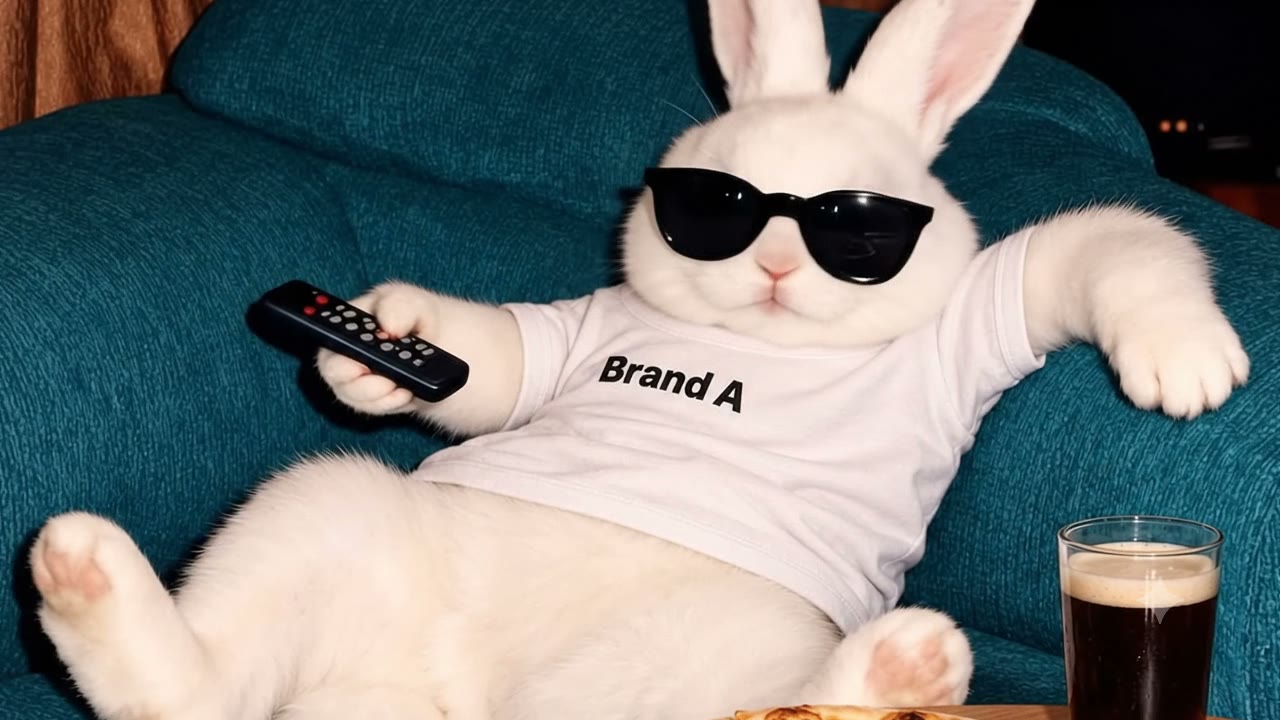 2.4sBrand ASofa spot12 Oct 2026Veo 3.1Use this frameUse this clipBrand ASofa03 Dec 2025Nano Banana 2
2.4 s a white bunny in sunglasses points a TV remote
ChatNew
Tell it once. It remembers.
Tell the chat who or what is in a picture, and it saves that to the image for every search and answer after.
- Names, products and notes saved to the image
- The chat reads them back when asked
- A group photo won't confuse look-alike search

Found it: Priya at the Diwali launch.
memory: people: Priya; tags: ambassador, diwali; notes: [2026-10-12 by Asha] our new ambassador, Diwali launchChat
Ask in plain words. Confirm before it runs.
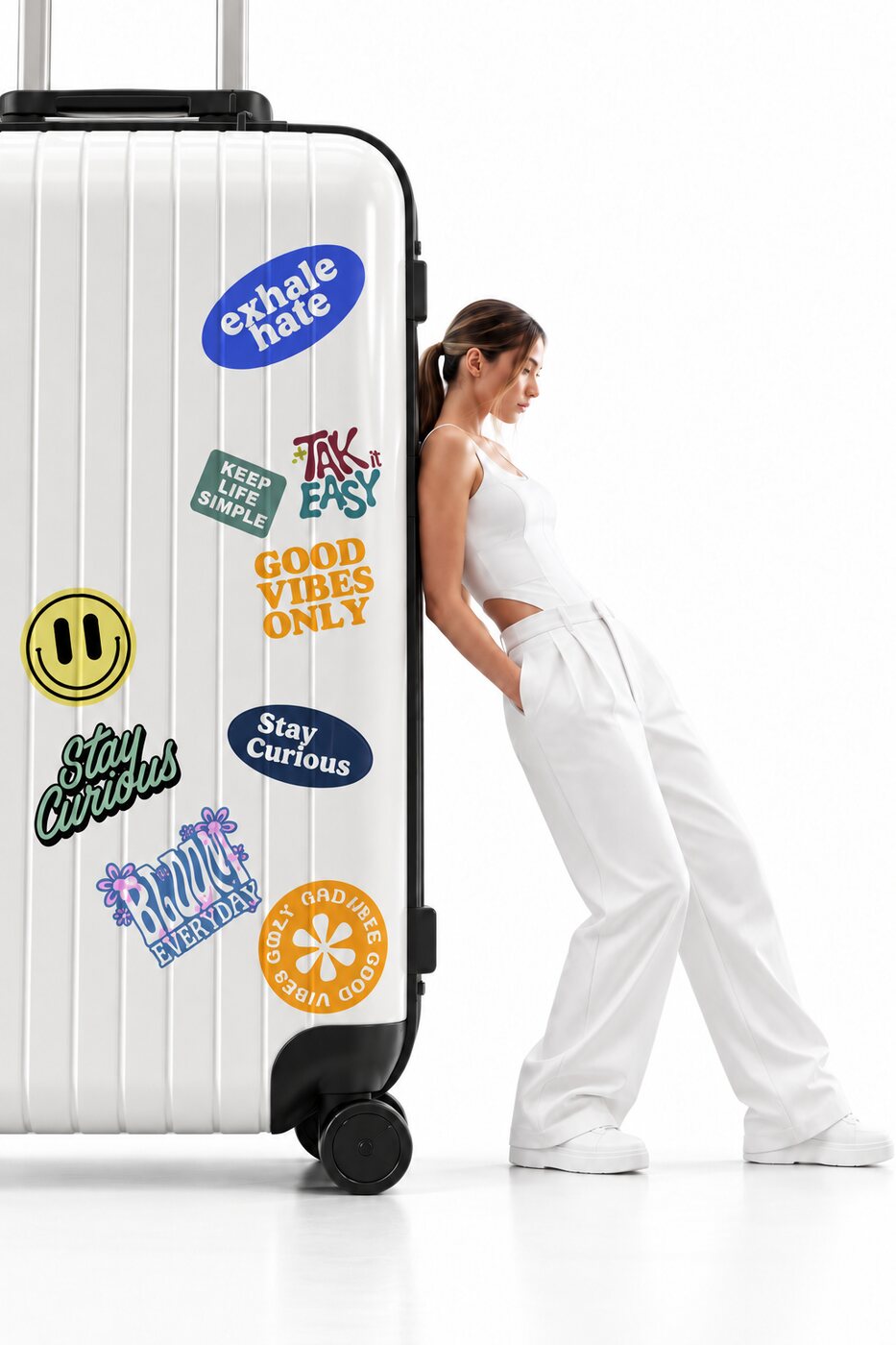
Ask for the picture you mean, and the assistant finds it in your library, drafts the prompt on a card and waits for you to press Generate.
- Finds images by what they show
- Tick or untick what it picked
- Nothing runs until you press Generate
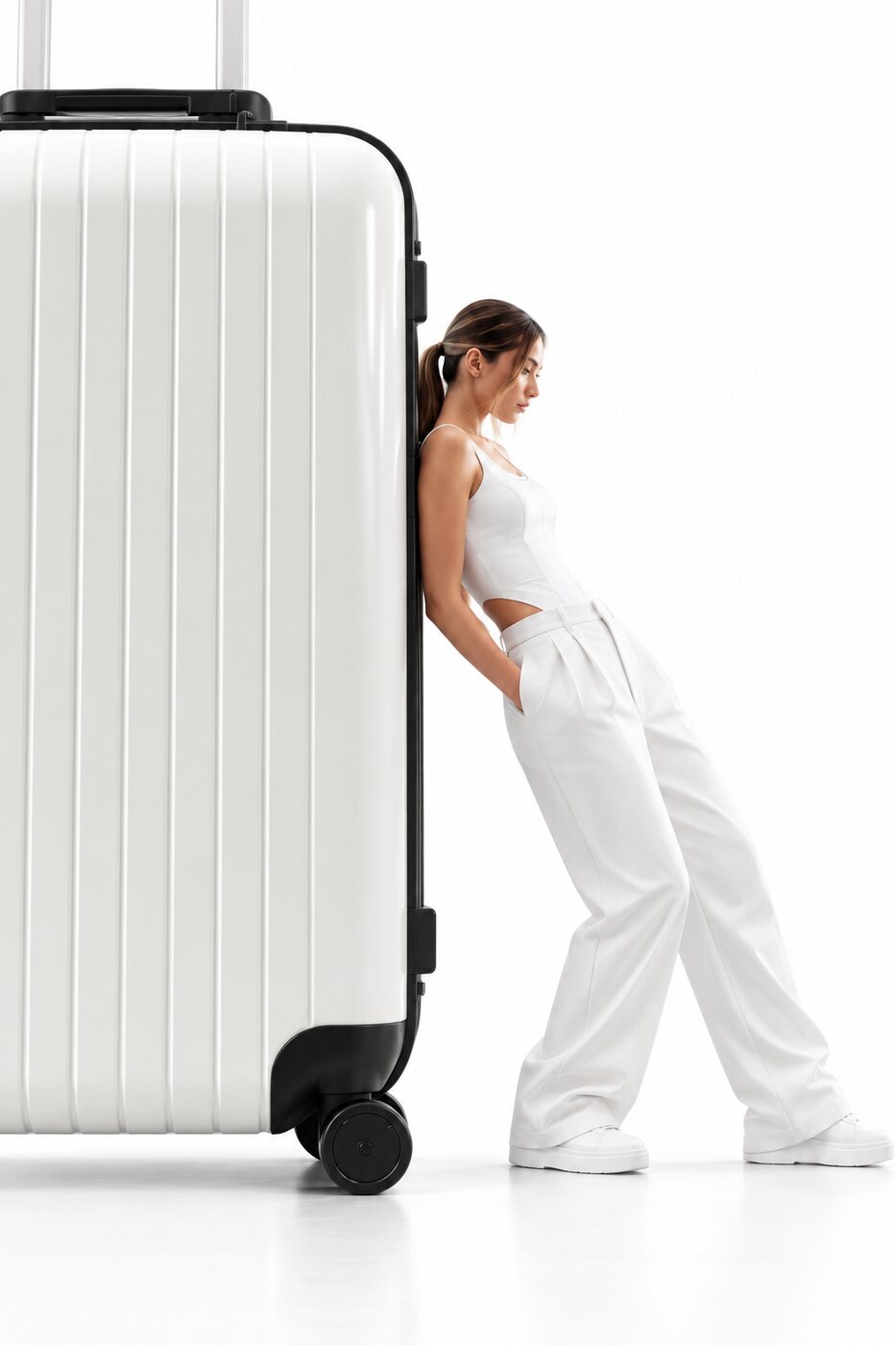

The woman from reference image 1 leaning on the same sticker-covered suitcase, now in a quiet airport lounge, soft morning light.
Memory
Find it by describing it.
Write “the dog from the Diwali campaign” in a prompt, and Zenflow shows the matching pictures from your projects so you can pick one with a click.
- Works in the chat and on the canvas
- Each match shows campaign, date and model
- Nothing is used until you pick it
@rex@rexDiwali 202519 Oct 2025Nano Banana 2approvedsame dog, facing left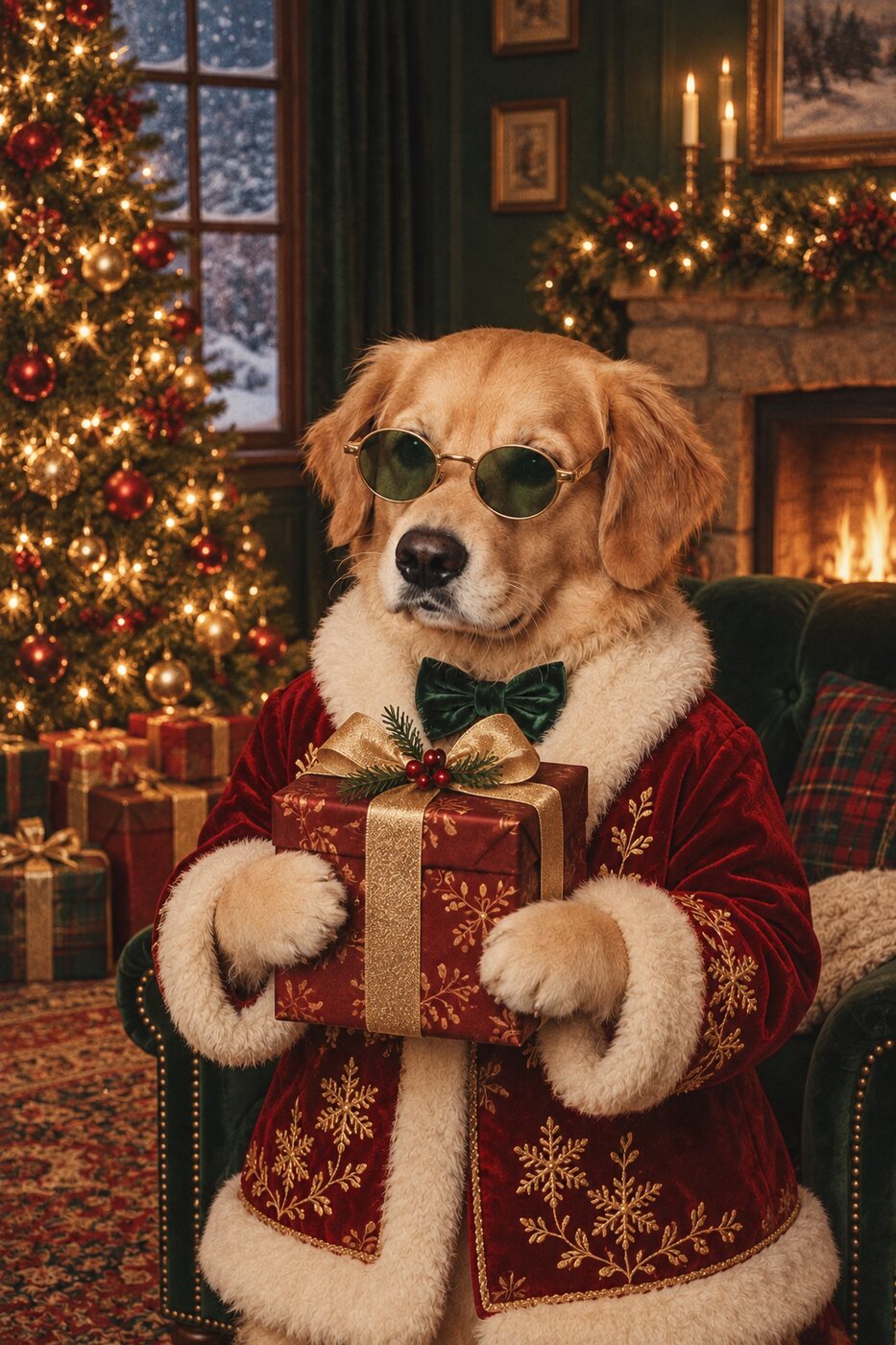 @rexChristmas 202514 Nov 2025Nano Banana 2
Models
Pick a model. Zenflow finds a way to run it.
Many models run through more than one provider, so if one is busy or down, your run moves to the next at the price you were shown.
- 420+ image and video models
- A busy provider? The run moves on
- Same price, whichever route runs it
Pricing
Transparent pricing. You see the price first.
See the credit price before every run: each model shows it per image or per second, before you press generate.
- Failed runs are refunded
- No hidden fees
- Top-up credits never expire
Plan credits renew monthly and carry over one month.
- Nano Banana 2 · image−4 credits
- Veo 3.1 · 4 s video · failed−136 credits
- Refunded · failed run+136 credits
Connect
Ask about your brand from Claude or ChatGPT.
Connect Zenflow to Claude, ChatGPT or any MCP app with one token, and ask about your brand, projects and creative direction without opening Zenflow.
- One read-only token, revoke any time
- Sees only what you can see
- Every tool call is logged
Where is the Diwali campaign, and what's our brand voice?
get_project_statusget_brand_contextIt's in final review. The voice is warm, playful and short.
- Brand context
- Projects and status
- Direction docs
- Activity
Canvas
Name it once. Tag it with @.
Save a person, product or logo with its photos as @priya or @logo, and tagging it in any prompt sends those photos to the model.
- Up to ten photos per name
- Works in prompts and in the chat
- See exactly what the model receives
@priyaTeam
One canvas, the whole team, live.
Everyone works on the same canvas at once, with live cursors, who's here at a glance and comments pinned to the node they are about.
- Live cursors and who's here
- Comments pinned to nodes
- Prompt text merges letter by letter
Two people can type in the same prompt at once; for a node's other settings, the last edit wins.
Coming next.
An automatic repair loop: a render is checked and fixed until it passes.
Edit the text on any image: wordmarks, labels and captions, in place.
Edit parts of a video: fix one region while the rest of the clip stays.
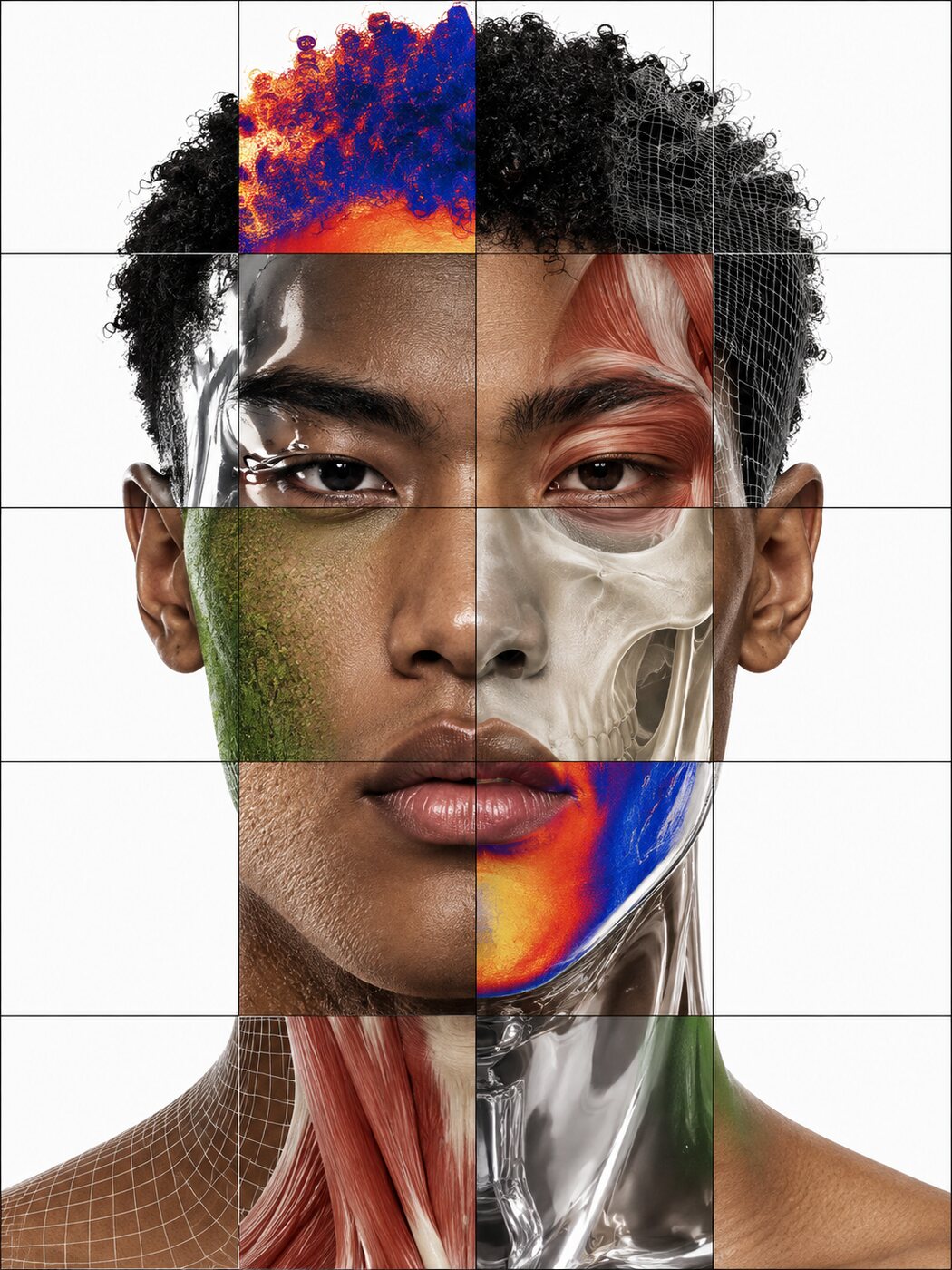
The workspace that remembers.
Add your brand book, your logos and last year's approved campaign. Then ask for the dog from last year's cultural campaign.
Collar should be the brand red.