



Start with your brand

The workflow canvas

Every step on one canvas.

Prompts, references and models are boxes joined by lines on a shared canvas, so you can see how a picture was made, change one step and run it again.

Workflows

A visual pipeline where every step is explicit.

Zenflow's canvas is node-based. Prompts, references, generators, editors, verifiers and approvals are nodes; the edges show exactly what feeds what. You can see how an asset was made, change one step, and run it again.

WorkflowChat
Prompt · Brief
Christmas 2025
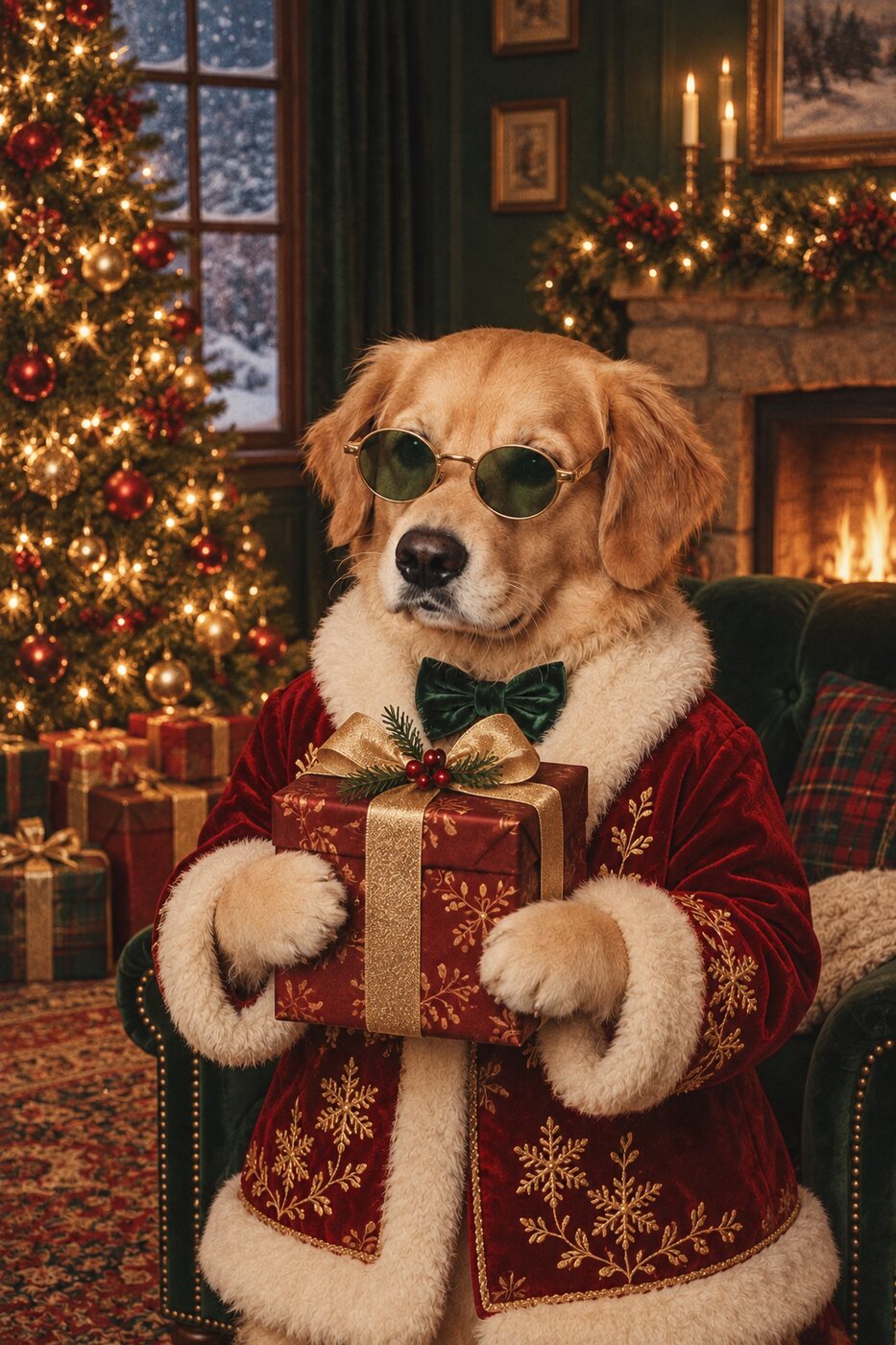
the dog from last year's cultural campaign, same pose, but for Christmas @rex
@rex
72 charsReady
Reference · Memory
@rex · Cultural 2025
approved 19 Oct 2025
Image · Generator
Nano Banana 2
Nano Banana 2mascot
same dog · new season
1024×15364 outputs
Verify · Brand kit
Verification
collar #C8471C pose palette
identity 0.97
Approval · Review
Christmas 2025
Art director Creative director Client
14 Nov 2025 · a note with each decision
Art directorClient
Northwind · Christmas 2025 3 in the room
the dog from last year's cultural campaign, same pose, but for Christmas @rex
09:41
Zenflow

Found @rex · Cultural 2025 in brand memory, approved 19 Oct 2025, pose carried. Generated with Nano Banana 2:

View in Canvas ↗

Verified against the brand kit: identity 0.97 · collar #C8471C · palette ΔE 1.2.

Sent for review: Art director ✓ · Creative director ✓ · Client in review.

09:42
Ask anything, or type @ to attach a model and generate...

Asking is free. Attach a model when you want to make something.

Drag a node: every step is explicit.Northwind · @rex

Branch, batch, and sub-canvas.

Fork a workflow to try three directions from the same references. Run one workflow over a whole list of inputs. Nest a workflow inside another as a sub-canvas so a complex pipeline reads like one step.

Approval chains inside the workflow.

Art director → creative director → brand → client, as stages on the canvas, with notes captured at each one. Nothing ships without the chain, and every decision in the chain becomes memory.

Share a workflow as a tool.

Build the pipeline once, then share a simplified interface. Teammates add the inputs, a brief, a product image, a campaign name, and get on-brand results without touching the full canvas.

Multiplayer by default.

Cursors, presence, comments and live changes. The canvas is a room, not a file.

Templates

Start from a workflow that already knows the job.

Every template is a canvas you can run as-is or rebuild. Each one is wired to the brand memory, so the first run already uses your Context Variables, rules and approved references.

Prompt · Brief
Product hero
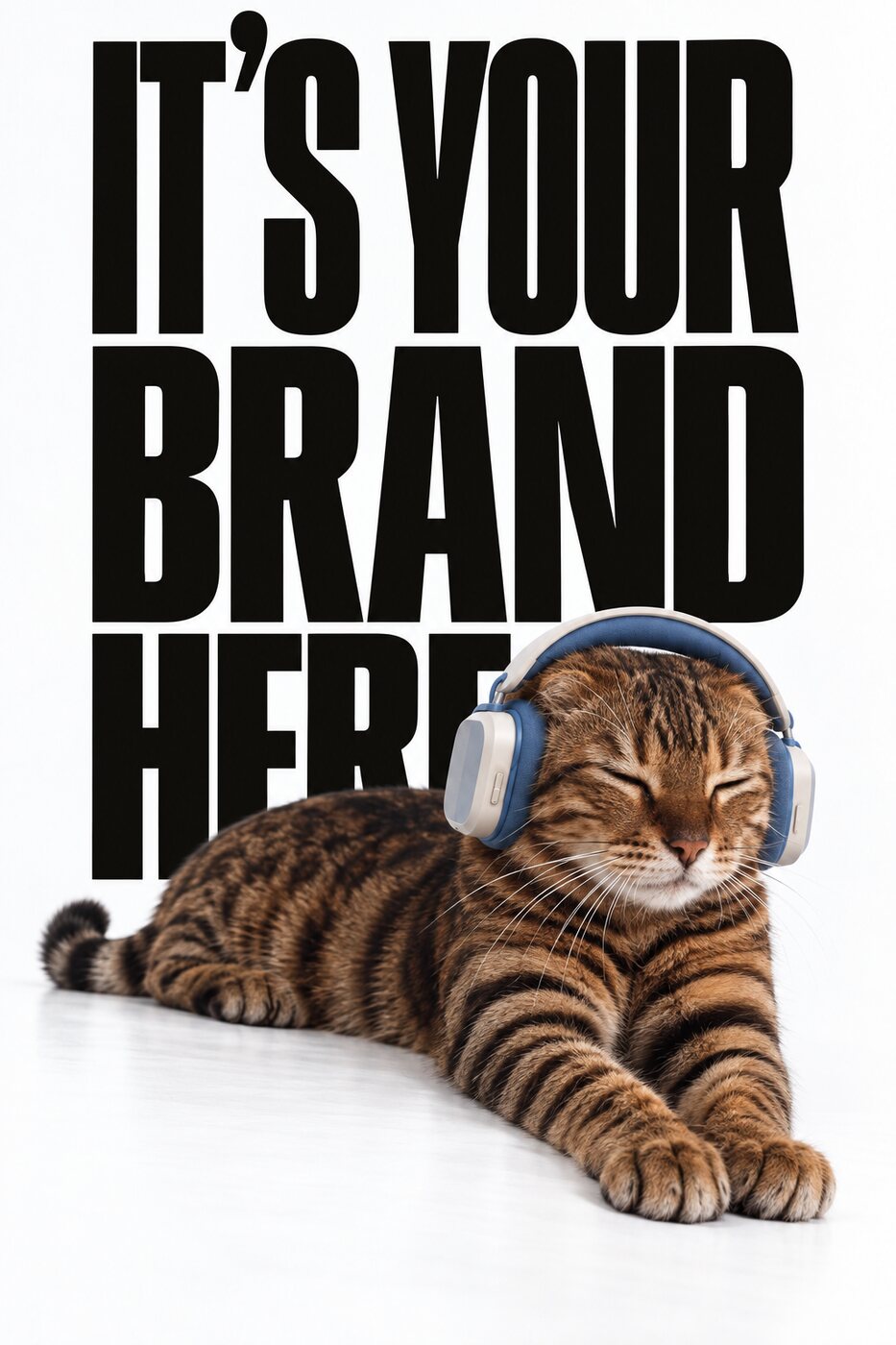
the headphones on the hero, brand font and brand text behind the subject @headphones
@headphones
84 charsReady
Product · Reference
@headphones
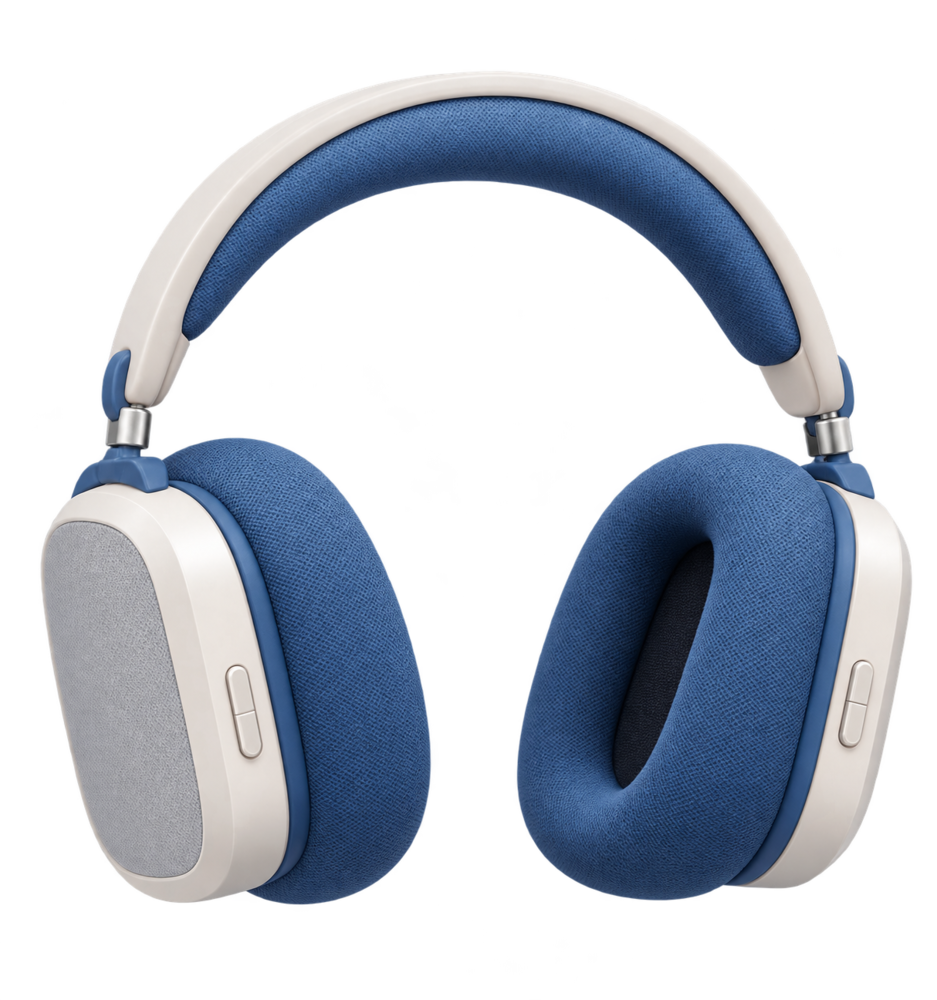
The brand's headphones, cut out on a transparent backgroundcut out
the product itself
Image · Input
Start frame
The input frame, before the product was placedinput
the frame we started from
Image · Generator
FLUX.2
FLUX.2product hero
The generated hero: the subject wearing the brand's blue headphones, the brand font behind itbrand font behind the subject
1024×1536
Verify · Brand kit
Verification
product unchangedbrand fontcolour
every score stored
wired to brand memory · Northwind
Fixing the ten percent

Repair from your real assets. Not from a guess.

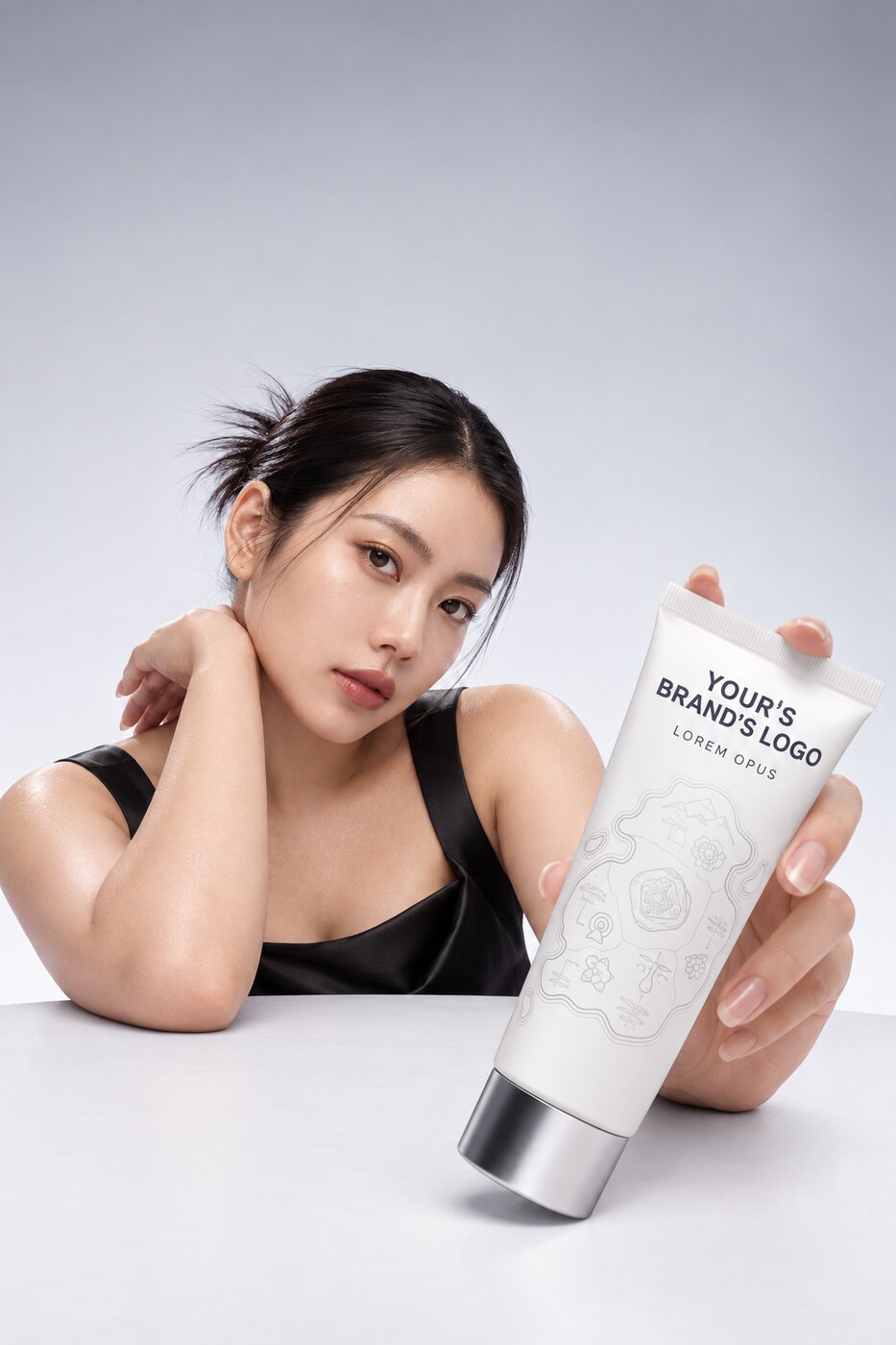
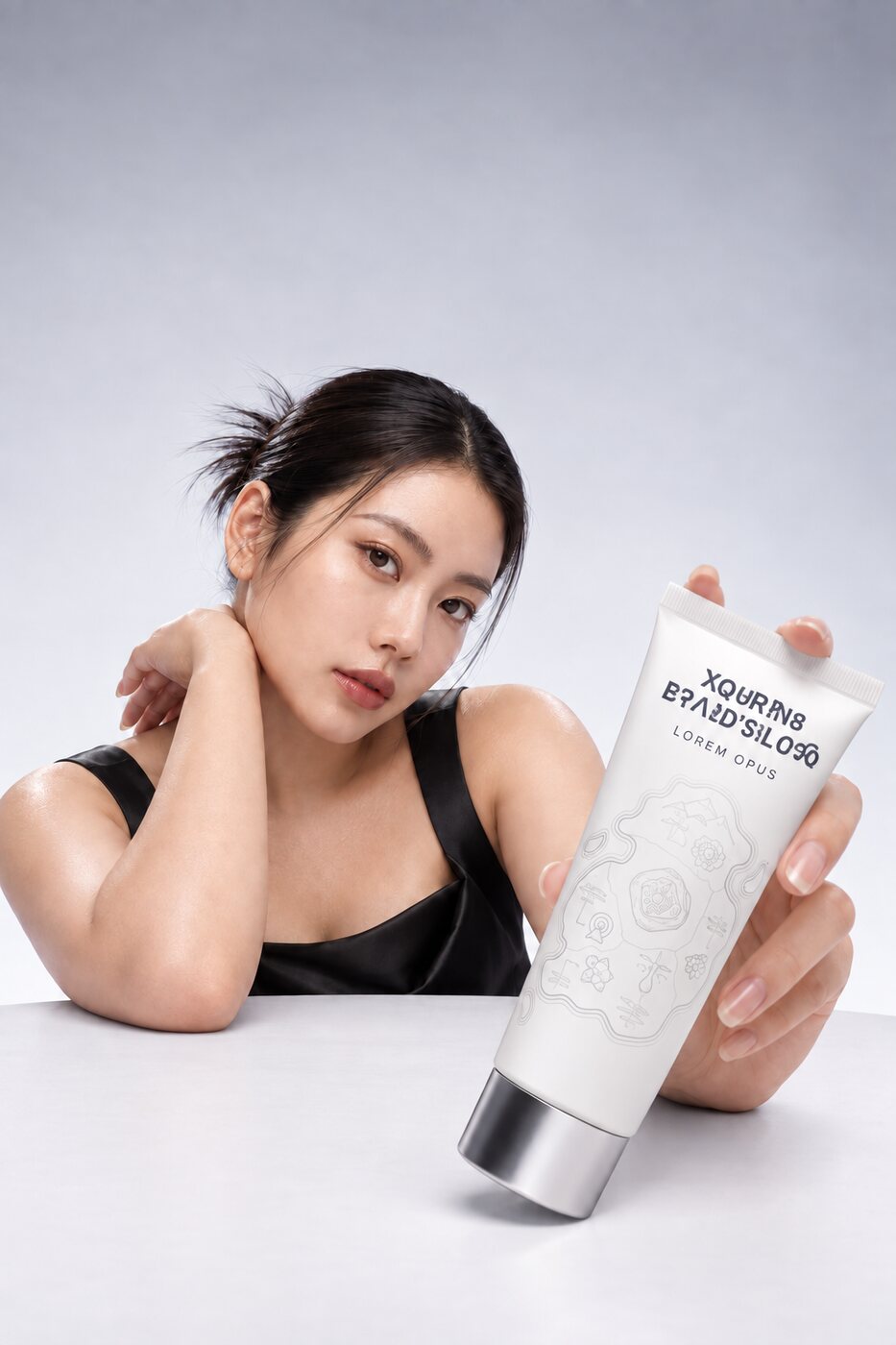
Every image model treats every part of a picture as negotiable, including the parts that aren't: the spelling of your wordmark, the face of your contracted ambassador, the shape of your product. When a render is ninety percent right, most tools make you roll again. Zenflow repairs the region that failed and leaves every other pixel untouched.

A model holding the product, the wordmark restored on the tube
BeforeGarbledIdenticalAfter18 of 18 glyphs0 px changed
Loupe
The detected region. Drag it over the photo.
Before
The wordmark came back garbled.
After
Rewritten from logo.svg, 18 of 18 glyphs.

One asset, all the way through: the wordmark render is detected, checked against the brand kit, restored from logo.svg and re-checked, and the loop runs on its own.

Repair loop · @logo · product-logo · v3Auto: runs on every render
Repair · Detect
Locate the defect
The render with the garbled wordmark, the failed region boxedwordmark
1 region0.91 confidence
Repair · Validate
Check the brand kit
Northwind brand kitrules
18 glyphs6 swatchesshape lock
no pixels touched0.2s
Repair · Restore
Restore from the real asset
Rigid overlaylogo.svg
The wordmark before restorationThe wordmark restored from logo.svggarbled
outside region locked
Verify · Re-run
Re-run the same checks
Glyphs restored0/18
  • wordmark · 18/18 glyphs
  • palette · ΔE 1.2
  • outside region · 0 px changed
kept · beats originalstored with the asset

Detect. Validate. Repair. Verify.

Zenflow locates the defect, checks it against your brand kit without touching a pixel, restores it from the brand's real asset, the actual vector logo, the ambassador's identity references, the true product shots, and re-runs the same checks on the result. A repair that doesn't strictly beat the original is discarded. The system can even reject its own refinement when the refinement makes legibility worse.

Different failures, different engines.

A wordmark is rigid and belongs to the brand. A face is deformable and has to be modelled. A product has to be reconstructed from reference. Zenflow uses a different repair path for each, because collapsing all three into one inpainting model is how teams ship the pasted look.

A meter, not a vibe.

Identity is measured, not eyeballed. The identity meter scores how close the repaired face is to the ambassador's references and shows you the number. Wordmarks are checked character by character. Colours are checked against the palette. Every score is stored with the asset, so "identity retained: 0.94" is a fact in the lineage, not a claim in a deck.

Video, honestly staged.

Image repair ships as a product. Video repair runs as an experimental feature in pilots: the same memory, the same references, the same lineage, while frame-exact identity across a full spot is still maturing in the underlying models.

Six steps

How to build a workflow that remembers

  1. 01

    Create a brand workspace.

    Import the brand book, the logos and the last two or three campaigns' approved finals. Zenflow embeds them and registers the obvious Context Variables: mascot, ambassador, logo, hero product.

  2. 02

    Write the brief in the composer.

    Refer to what you already have in plain language, or tag it with @. Watch the referential phrases resolve as you type.

  3. 03

    Confirm the retrieval.

    Check the candidate card, its date, model and approval. Use it, and it becomes a node on the canvas. Click the context icon on the node to see exactly what was retrieved and what is passed to the model.

  4. 04

    Pick a model, or a Brand Model.

    Generate four, keep two. The meters score identity, pose, wordmark and palette before you look.

  5. 05

    Repair the ten percent.

    Anything the meters flag goes through the repair pass, from your real assets. Keep only what beats the original.

  6. 06

    Run the approval chain.

    Every yes and no, with its note, goes into the brand memory. Next run starts further ahead.

Northwind·3 images · 1 video · 2 documentsbrand workspace
context variables registered on import
Document
brand book.pdf@logo34 pages
Document
logo-v3.svg@logovector
mascot-cultural-2025.jpg
mascot-cultural-2025.jpg@rex1024×1536
ambassador-reference.jpg
ambassador-reference.jpg@ambassador1024×1536
shoe-drop.mp4
shoe-drop.mp4@shoe4s · 720×1280
product-hero-2026.jpg
product-hero-2026.jpg@headphones1024×1536
Northwind · Christmas 2025 3 in the room

@ AttachEnter asks the assistant
Direction doc · Christmas 2025Draft · v2

Brief

This year’s set with last year’s approved mascot, in the approved pose, in a new setting.

Objectives

  1. 1Hold the mascot’s identity across every placement.
  2. 2Ship the set in one week, on one approval chain.

Deliverables

Image6qtyhero + five placements, 1024×1536
Video2qty4s loop, 1280×720

References

@rex · Cultural 2025
@logo · v3 from here on
moodboard · p.4
Prompt · context passnothing is injected silently
Prompt · Brief
Prompt
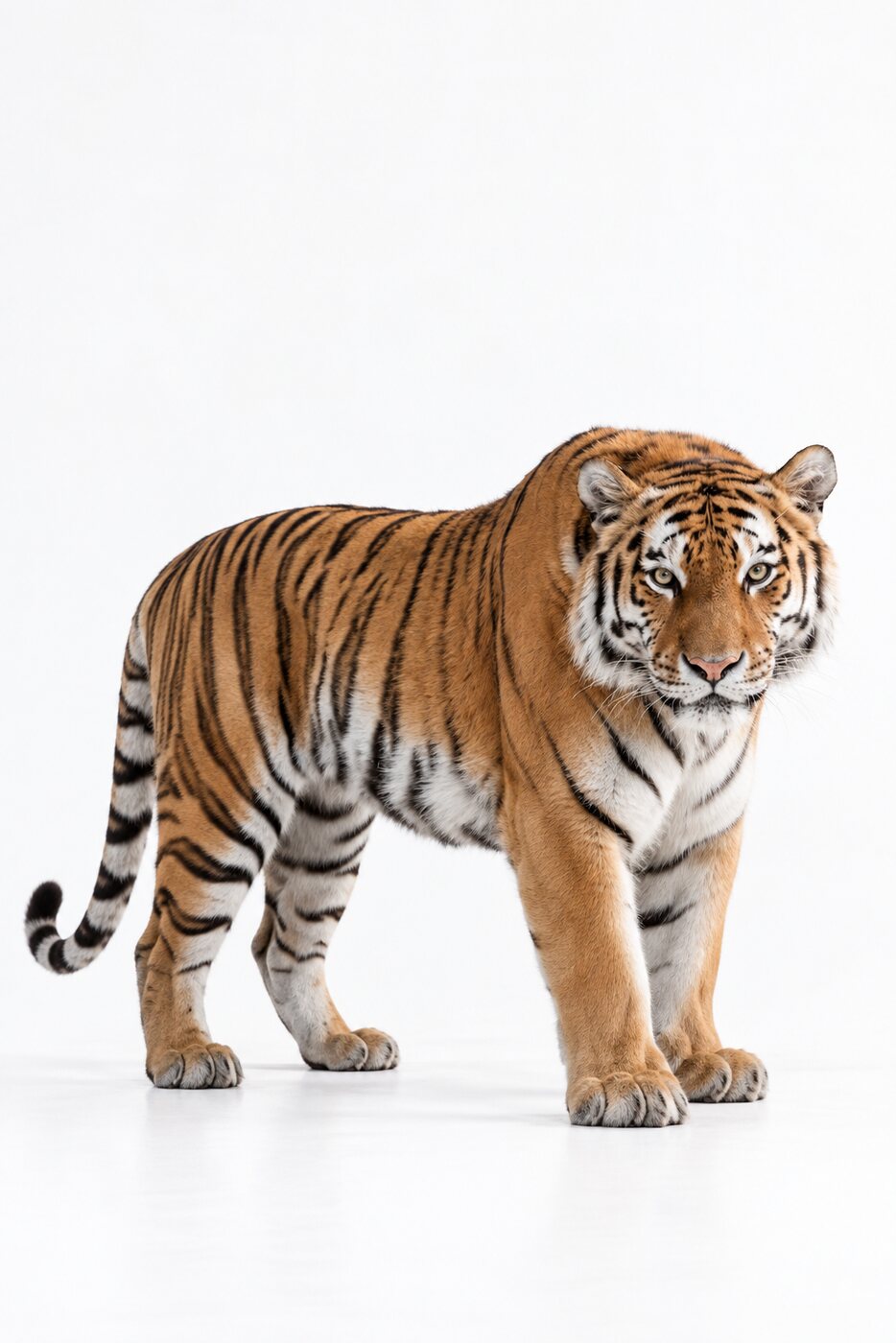
the cat from the tiger shoot, wearing the @headphones, brand type behind it.
@headphones
75 charsReady
ContextFLUX.22/4 slots
@headphonesproduct

The brand's over-ear headphones. The product is never altered and the blue stays exact.

The brand's blue over-ear headphones, cut out on a transparent background#1@headphones
The start frame the product is placed into#2start frame
campaign
Mascot 2026
generated
12 Feb 2026
model
FLUX.2
approved
14 Feb 2026 · Creative director
note
“brand type behind, product unchanged”

Is this the one you meant?

Retrieved context never goes to a model without a person seeing it.

Image · Generator
FLUX.2
FLUX.2product hero
A cat wearing the brand's blue headphones, the brand type set behind itproduct kept · #1
1024×15365 credits / image
Models · Social set · Summer 2026420+ in the registry
Filter models…Brand modelsImage modelsVideo models
The model holding notebooks and drinkskept
01
The same model, same expression, holding a pile of clothes
02
The same model with a second model looking onkept
03
The same model throwing the items into the air
04
identity0.98pose0.96wordmark18/18paletteΔE 1.2
4 outputs2 keptscored before you look
Repair pass · regionhand · thumb · region only
A generated hand with a broken thumbbefore
verified 0.71
The same hand with the thumb correctedafter
verified 0.96
verified0.71 → 0.96
kept · beats originalrepaired from your real assetsregion only
Library · approval boarddrag a card to decide
“same dog, new season, approved”
Unsorted1
shoe-drop-start.jpg
shoe-drop-start.jpg@shoe 1
Pending1
mascot-christmas-2025.jpg
mascot-christmas-2025.jpg@rex 3
Needs changes1
ambassador-shoot-v1.jpg
ambassador-shoot-v1.jpg@ambassador 2lighting and face wrong
Rejected1
product-wordmark-v2.jpg
product-wordmark-v2.jpg@logo 1the wordmark is garbled
Approved1
mascot-cultural-2025.jpg
mascot-cultural-2025.jpg@rex
Models

Any of 420+ models. Pick per step.

Use one model for the hero and another for the variations. Your references, rules and memory come along to each.

Muse Image

Nano Banana 2 and Pro

FLUX.2

Seedream 5

GPT Image 2

Qwen Image 3

Ideogram 4

Kling 3.0

Seedance 2.5

Veo 3.1

Wan 3.0

LTX 2.3

MiniMax H3

Create your own Brand Models.

A Brand Model is a base model plus your memory plus your rules, saved as one thing: "Northwind · product hero · FLUX.2" or "Northwind · mascot · Nano Banana 2". Create as many as you need per brand, per format, per client. Run them like any other model. When a better base model arrives, upgrade the Brand Model without losing anything it learned.

Bring your own.

Enterprise plans connect your own model endpoints and private deployments. They sit in the same registry, behind the same memory, with the same verification.

Compare before you commit.

Run the same brief through several models side by side and let the meters score them. Zenflow tracks which models your brand approves most often for each kind of job, and recommends accordingly.

When a model disappears, your work doesn't.

Models get renamed, repriced and withdrawn without notice. Because Zenflow's memory sits above the models, a workflow built on one model runs on the next.

Model registry highlights this month: Muse Image, Nano Banana 2 and Pro, FLUX.2, Seedream 5, GPT Image 2, Qwen Image 3, Ideogram 4, Kling 3.0, Seedance 2.5, Veo 3.1, Wan 3.0, LTX 2.3, MiniMax H3, and more. The list changes monthly; the memory doesn't.

The workspace that remembers.

Add your brand book, your logos and last year's approved campaign. Then ask for the dog from last year's cultural campaign.