03 Dec 2025 · 10:41document
Brand A logo kit · 2026
12 pages · lockups kept
Brand memory
Zenflow keeps your brand's images and videos, finds the exact one when you ask in plain words, and shows it to you before any model uses it.
Zenflow keeps the whole record, not a folder of files. Each prompt, each generation with the exact model that made it, each approval and rejection with the note the reviewer wrote, each brand rule, each direction document. Every item is embedded and timestamped, so "the summer ambassador shots" and "what the client rejected in May" are questions the workspace can answer.
Brand A logo kit · 2026
12 pages · lockups kept
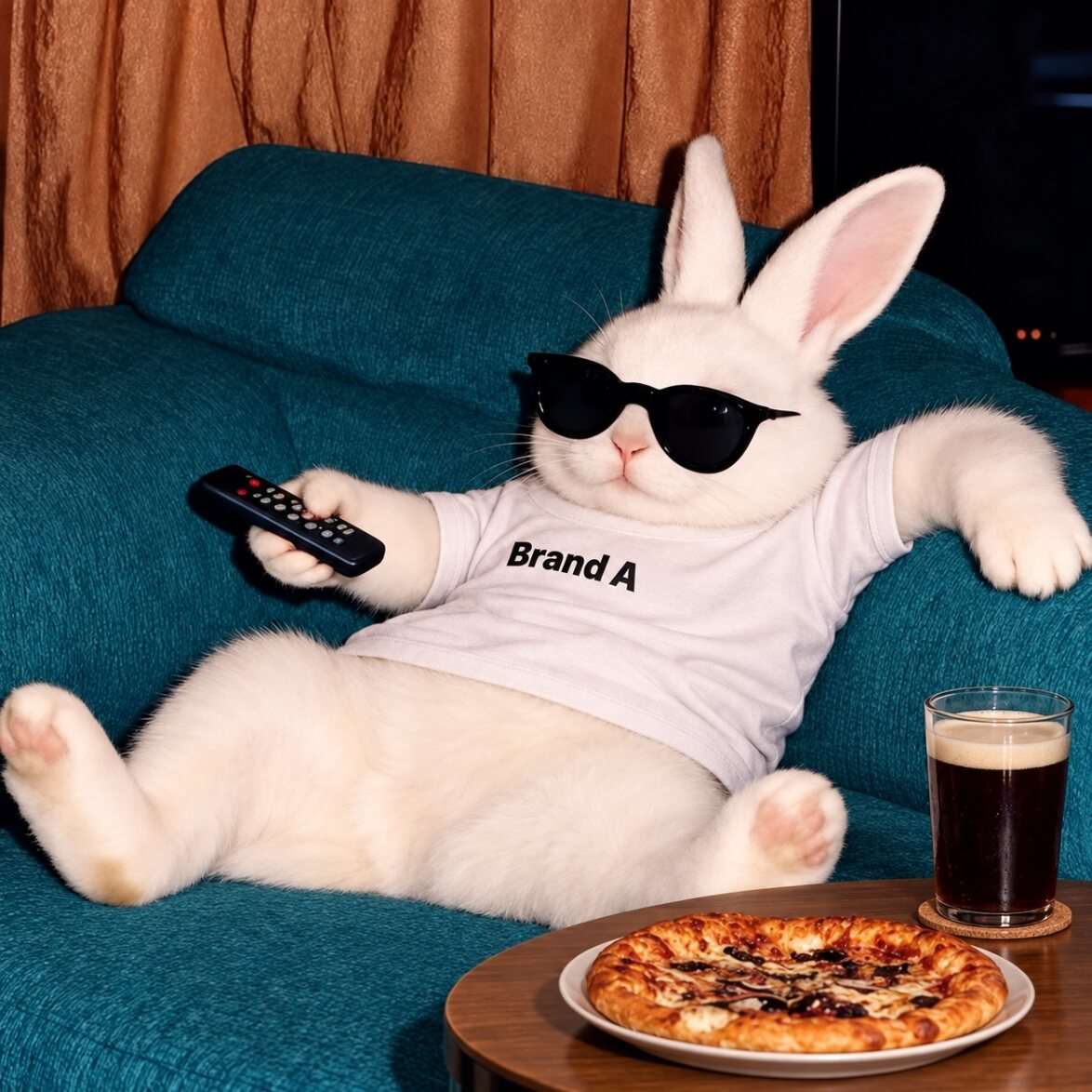
Brand A · sofa · logo held
Nano Banana 2 · 1174×1174
Creative director · approved
note: the chest logo sits square
the chest logo never crops at the seam
evidence · 11 approvals

@rex · cultural hero · frame 04
Nano Banana 2 · 1024×1536
the dog from last year's cultural campaign, for Christmas
resolved → @rex · Cultural 2025

@rex · Christmas hero · 02
Nano Banana 2 · identity 0.97
Client · approved
note: same dog, new season
@shoe, one step, plain floor
resolved → @shoe · 6 references
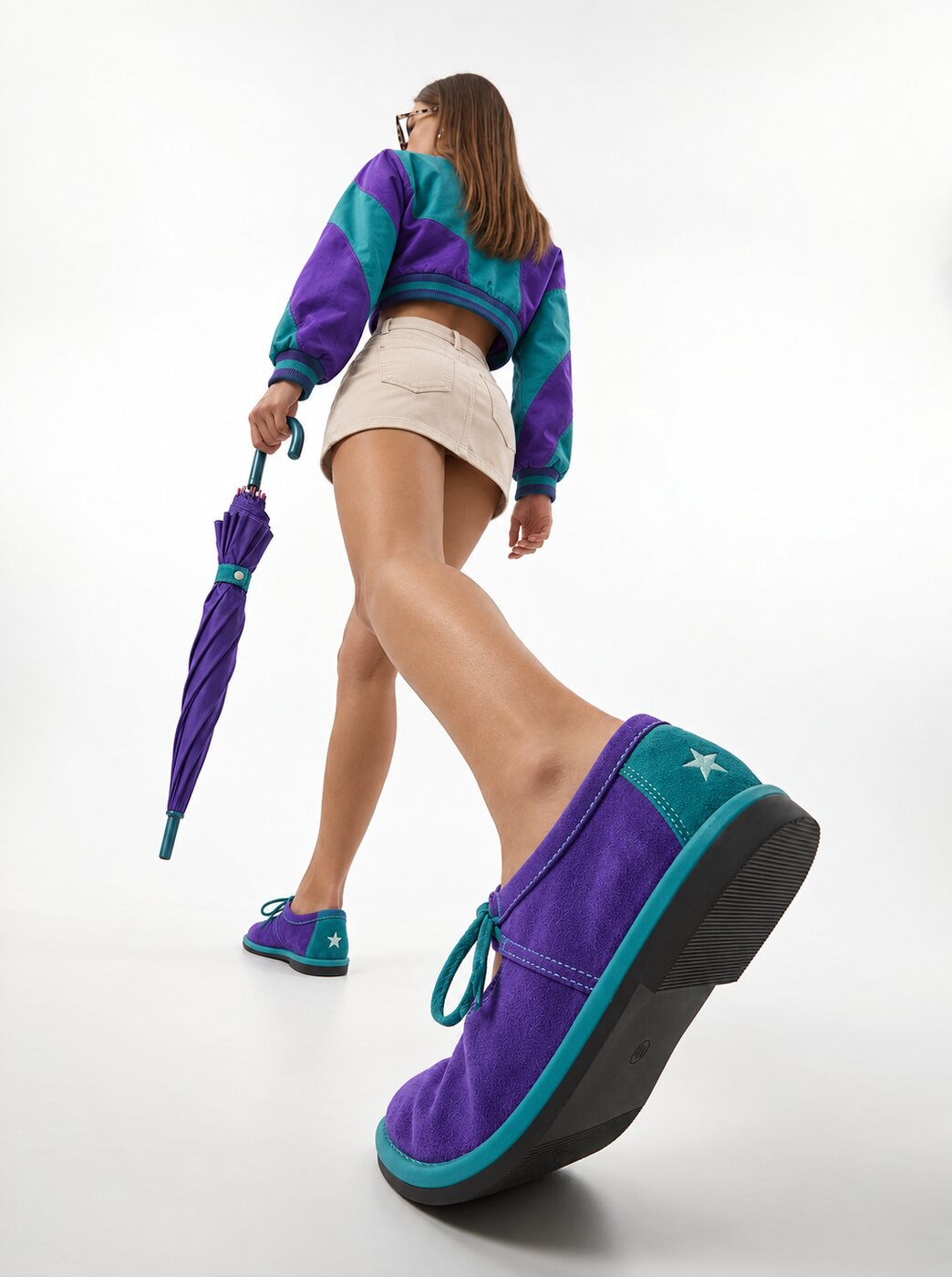
@shoe · walk · start frame
Seedream 5 · start frame
@shoe · walk · 4 s
Veo 3.1 · 720×1280 · 4 s
Brand · approved
note: the colourway holds in motion

@talent · Social set · hero frame
Seedream 5 · Summer 2026

@talent · same expression · the clothes rail
Seedream 5 · identity 0.98

@talent · same expression · a second model
Seedream 5 · identity 0.98
Creative director · approved
note: all three, one face
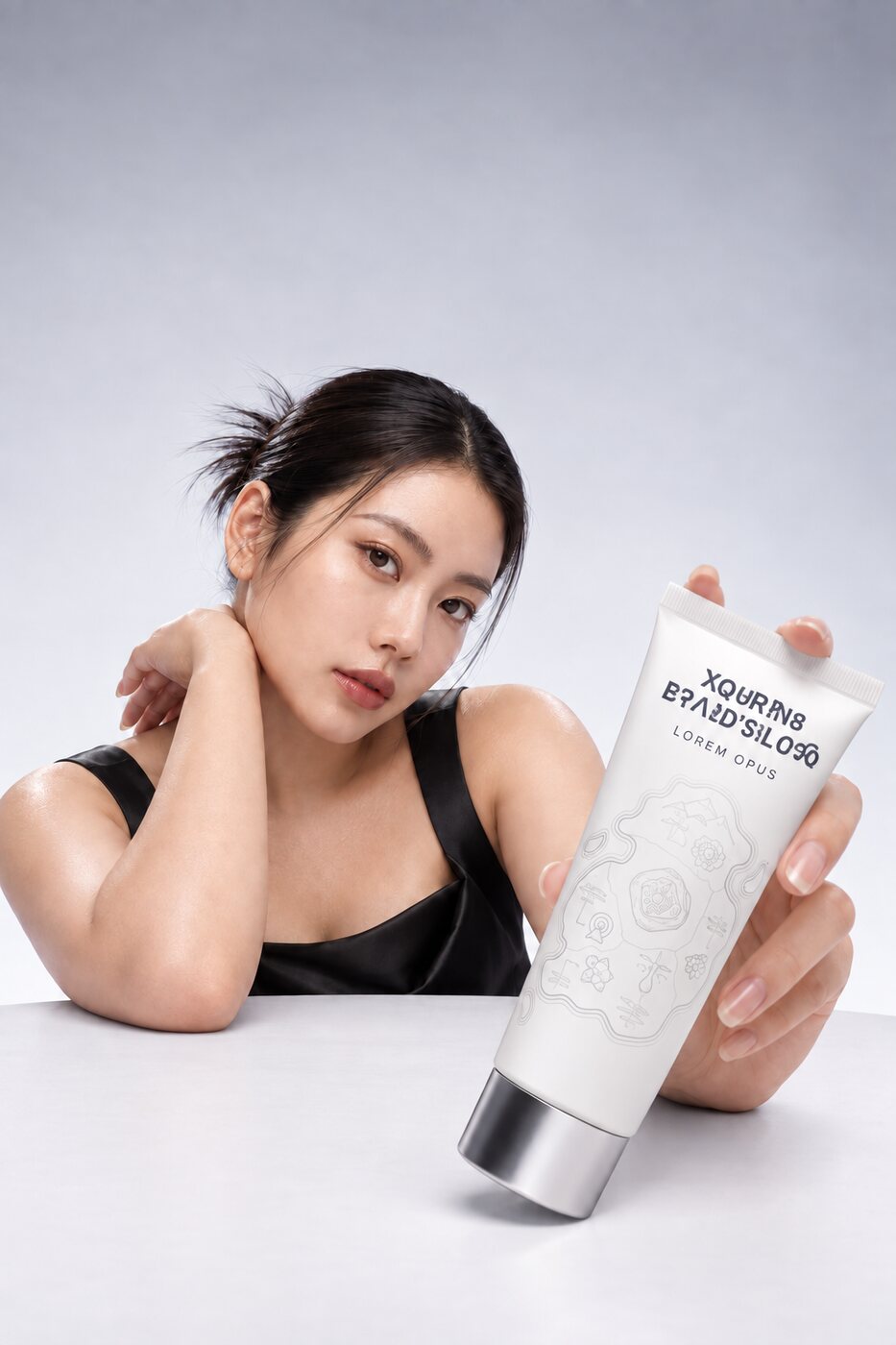
Art director · rejected
note: the wordmark is garbled
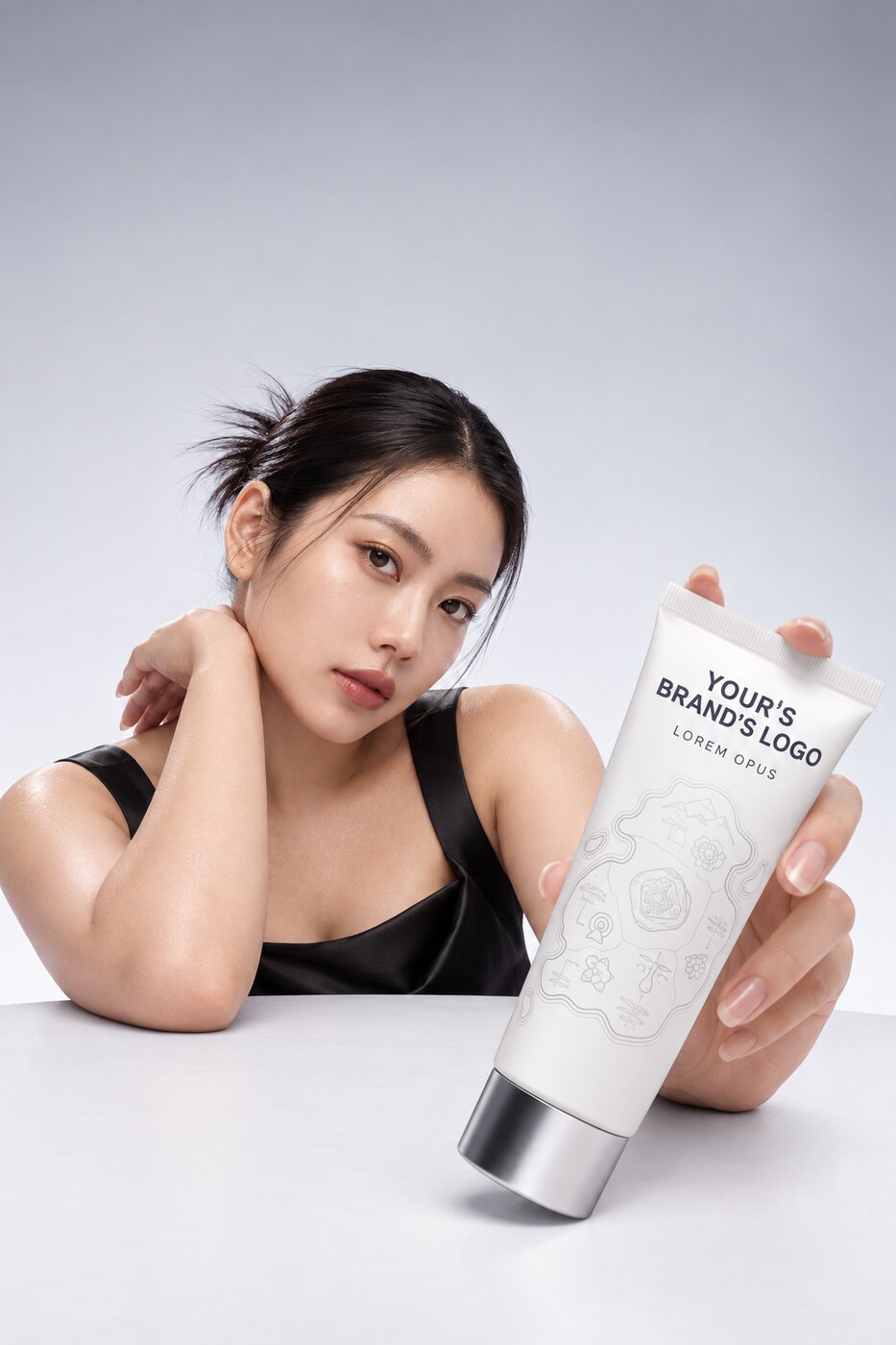
@logo · wordmark restored · v3
Muse Image · 18/18 glyphs
Brand · approved
note: v3 from here on
the wordmark never gets text over it
evidence · 3 rejections
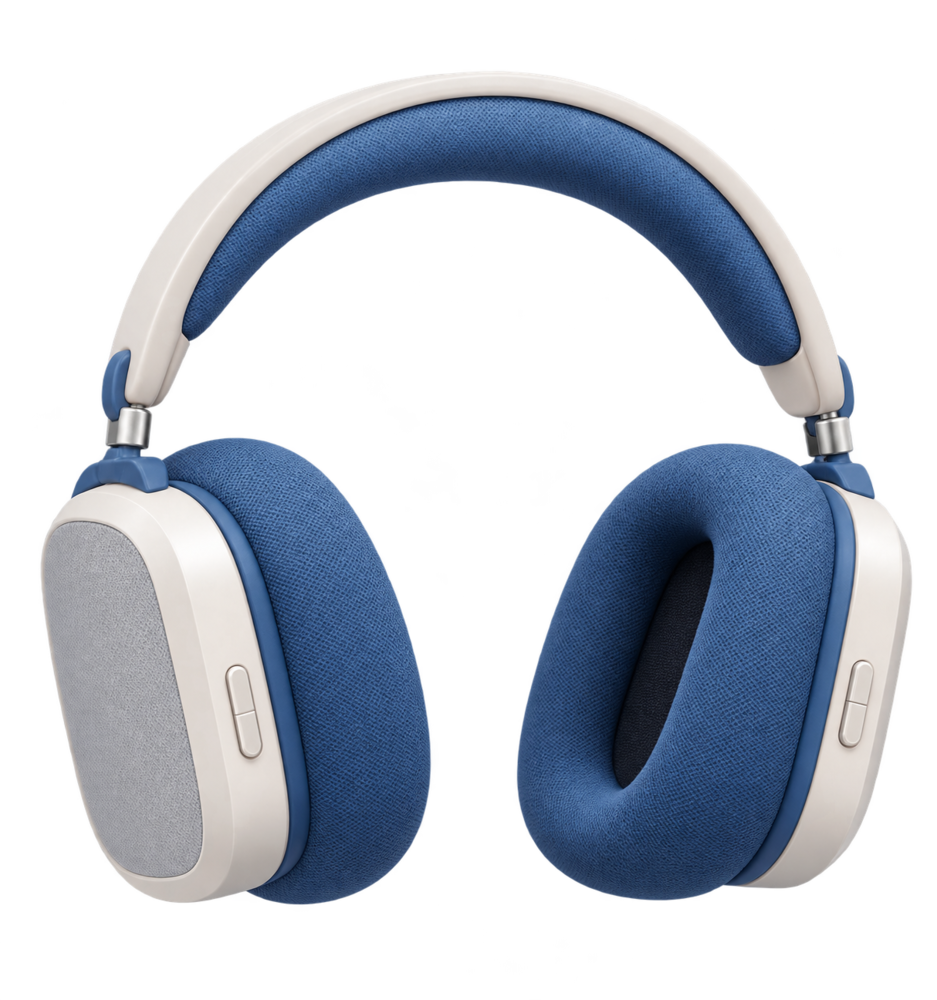
@headphones registered · product
cutout · 937×1000 · transparent
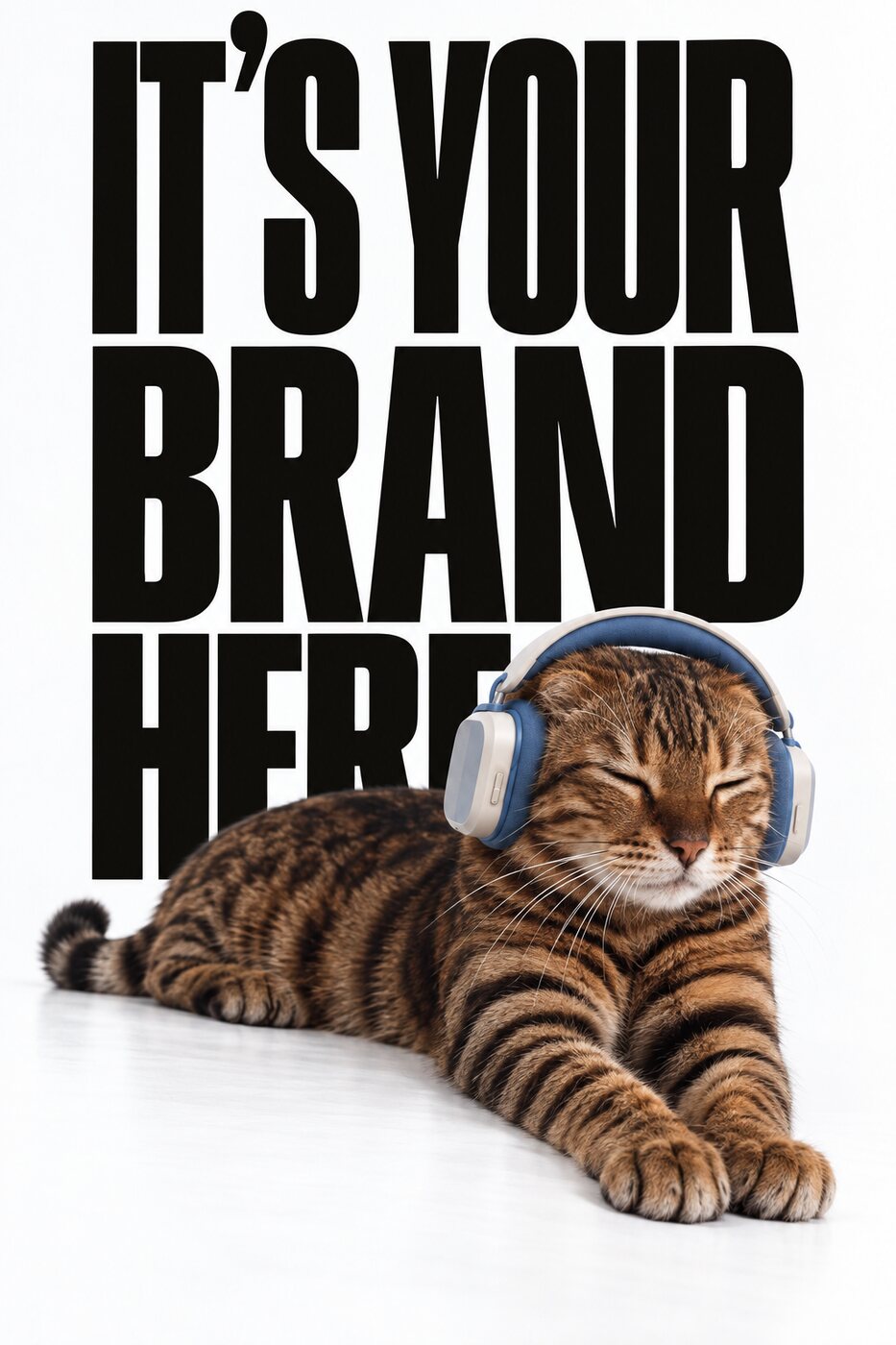
@headphones · Mascot 2026 · brand type behind
FLUX.2 · product unchanged
Creative director · approved
note: brand type behind, product unchanged
the headphones keep their exact blue
evidence · 7 approvals
Memory is scoped to the brand workspace. An agency running six client brands runs six memories that never see each other, enforced in the database, not by convention. Each one gets sharper on its own.
Register the things that matter as Context Variables: @rex the mascot, @ambassador, @logo, @hero-bottle, each with up to ten reference images. Tag one in a prompt and exactly those references go to the model. Describe something without a tag and the retrieval engine finds it for you.
Your memory is yours. Every asset carries its full lineage, and the whole graph can be exported. Memory that lives inside one vendor's stack is a lock; memory you can take with you is an asset.
Most search finds "a golden retriever." Zenflow's retrieval is built to find your golden retriever, from that campaign, in that pose. It runs four kinds of index over everything in the brand memory: instance retrieval for "is this the same product, logo or mascot"; identity retrieval for the faces of your registered ambassadors; language-to-image retrieval for "approved cozy fireplace scenes"; and document retrieval over briefs, decks and direction docs that keeps layout and typography intact instead of flattening them to text.
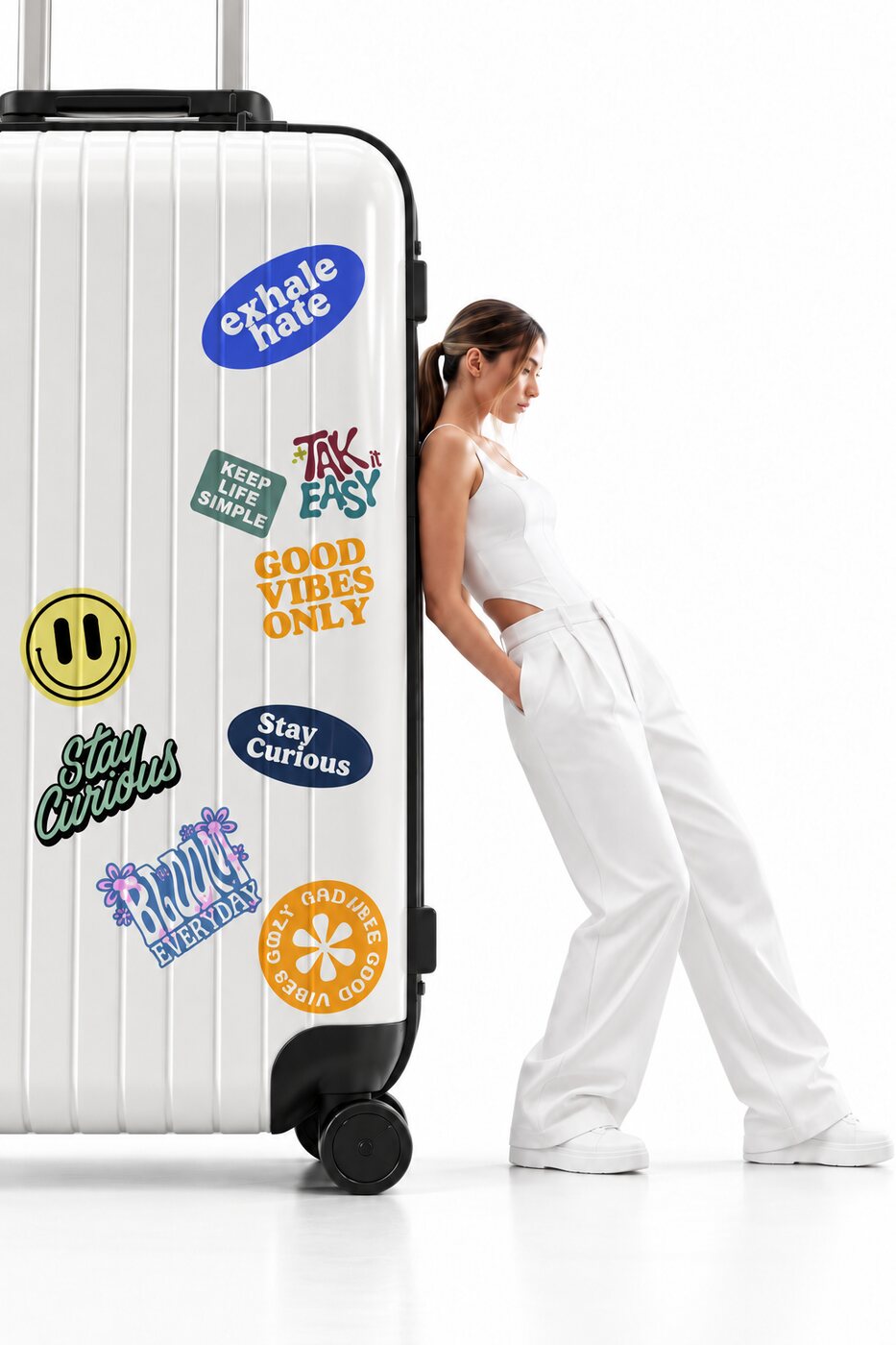 instance match
"Last year's cultural campaign" is a date range, not a keyword. The engine resolves campaign and festival references against your project calendar, scopes the search to that window, and ranks what it finds by what was actually approved. Facts carry validity windows too, so "the primary logo" can mean v2 in February and v3 in April, correctly.
First it looks for a registered Context Variable that matches what you said. Then it scopes to the campaign you named. Only if neither exists does it fall back to visual search over the scoped pool, cluster the results, and surface the dominant subject, and it offers to save that subject as a Context Variable so next time it's one tap.
Every time you confirm or dismiss a candidate, the ranker learns which was right. Retrieval gets better in the same way generation does: from your decisions, per brand.
Under the hood: retrieval runs on Postgres with vector indexes, so memory, generations and approvals are one system of record, not three. Frozen state-of-the-art embedding models do the encoding; all learning happens in a small, reversible ranking layer, never in the embedders, so nothing drifts and nothing needs re-indexing when you approve something.
When Zenflow retrieves something, you see it before it's used. A confirmation card shows the candidate with its provenance: the campaign it came from, the date it was generated, the model that made it, its approval and the reviewer's note. One question: Is this the one you meant? Use it or dismiss it. Retrieved context never goes to a model without a person seeing it.
@headphonesThe brand's over-ear headphones. The product is never altered and the blue stays exact.
Is this the one you meant?
Retrieved context never goes to a model without a person seeing it.
product kept · #1Confirm a retrieval and it becomes a labelled node, @headphones, Mascot 2026, product kept, wired into the generator. Everyone in the multiplayer canvas sees what the memory supplied, in real time, as a real object they can move, inspect or disconnect.
Open any generated asset and see exactly what it was conditioned on: which references, in which roles, which brand rules applied, which model and version, what the verification meters scored, and the retrieval trace that led there. Approve it, and the tab shows that too.
Zoom out and see the brand's memory as a graph: which assets and entities are used the most, by whom, feeding which campaigns, and the full ancestry of any single generation. What memory is doing is never a black box.
Referential phrases, "the dog we used", "that logo", "the ambassador from the summer shoot", light up in the composer as you write them. Retrieval runs in the background, under a third of a second, and the candidates are waiting by the time you finish the sentence.
Ask anything, or type @ to attach a model and generate...
instance match 0.99Christmas 2025 · 48 assetsZenflow connected to Claude, ChatGPT or Gemini. The brand memory answers in the tool the question was asked in.
What does this client keep rejecting?
Text placed over the wordmark (three rejections between 24 Nov 2025 and 06 Mar 2026) and hero shots taken off the approved angle (two). Both are playbook rules now.
Type @ and the brand's Context Variables autocomplete: mascots, ambassadors, products, logos, scenes, styles. The same grammar works in the chat composer and on the canvas.
Zenflow's canvas is multiplayer. A retrieval one person confirms appears for everyone at once, so an art director in London and a client in New York are looking at the same reference in the same second.
Connect Zenflow to Claude, ChatGPT or Gemini and ask the brand memory directly: What does this client keep rejecting? What did we approve for the beach campaign? Answers come back timestamped and cited, with links to the assets.
A creative director's yes and no are the richest signal about what on-brand means, and in every other tool they move a card on a board and disappear. In Zenflow every approval and rejection, with its note, becomes part of the brand's memory.
shoe unchangedproduct placedidentity 0.98the primary logo changed: v3 from here on
the chest logo never crops at the seam
retrieved candidate confirmed · 9×
Launch 2026 runs 02–16 Mar 2026
one face carried the whole social set
Day 1
drag the yearFacts with dates: the primary logo changed in March; this client rejects purple backgrounds; @rex appeared in last year's cultural campaign. Playbook rules per brand and per model, each with evidence: keep the mascot at 35–45% of frame height, never put text on the dog, collar is #C8471C. And ranking signals: which retrieved candidates were confirmed, which generated options were chosen. You can read every rule, see what it's based on, and retire it.
Rules are added, reinforced, decayed or retired one at a time with an audit trail. Learning lives in prompts, rules and ranking, never inside the model weights, so it is bounded, reversible and portable across every model in the registry.
Other tools are the same product on day one and day 365. Zenflow, by day 365, has become your brand.
Add your brand book, your logos and last year's approved campaign. Then ask for the dog from last year's cultural campaign.